I’m testing things out, it seems to borrow so may things from Postman, but even better with the UI/UX, and the DX is great.
I’m trying to wrap my head around how to get cookies sticky, working with Postman, when cookies are set from the server, it gets sticky across tabs, but this is not the case for ApiDog, upon navigation, the cookies are no longer available, I was wondering if there’s a workaround or a “how-to” for this use-case in the documentation anyone can point me to.
Could you please share how you set it up that causes cookies to expire after switching tabs? We couldn’t reproduce this issue on our end. Would you mind providing some related screenshots?
I did not set anything up as of now, I’m running it barebones with my baseURL, I included a few documentation for my app authentication that uses cookies (about 5 different cookie), I shared my documentation with a friend to test out, but anytime they navigate from the login endpoint to other endpoints the cookie is gone.
Like I rightly stated, I’m developing and testing locally with the desctop app, which works fine, but shared the published public URL with a friend to test, but the cookies are not persisted as they navigate (navigation causes reload).
In Apidog, cookies are only temporarily stored locally and are not synced across multiple devices. For your use case, we recommend setting up a login flow and extracting the cookies into an environment variable, then managing authentication through that variable.
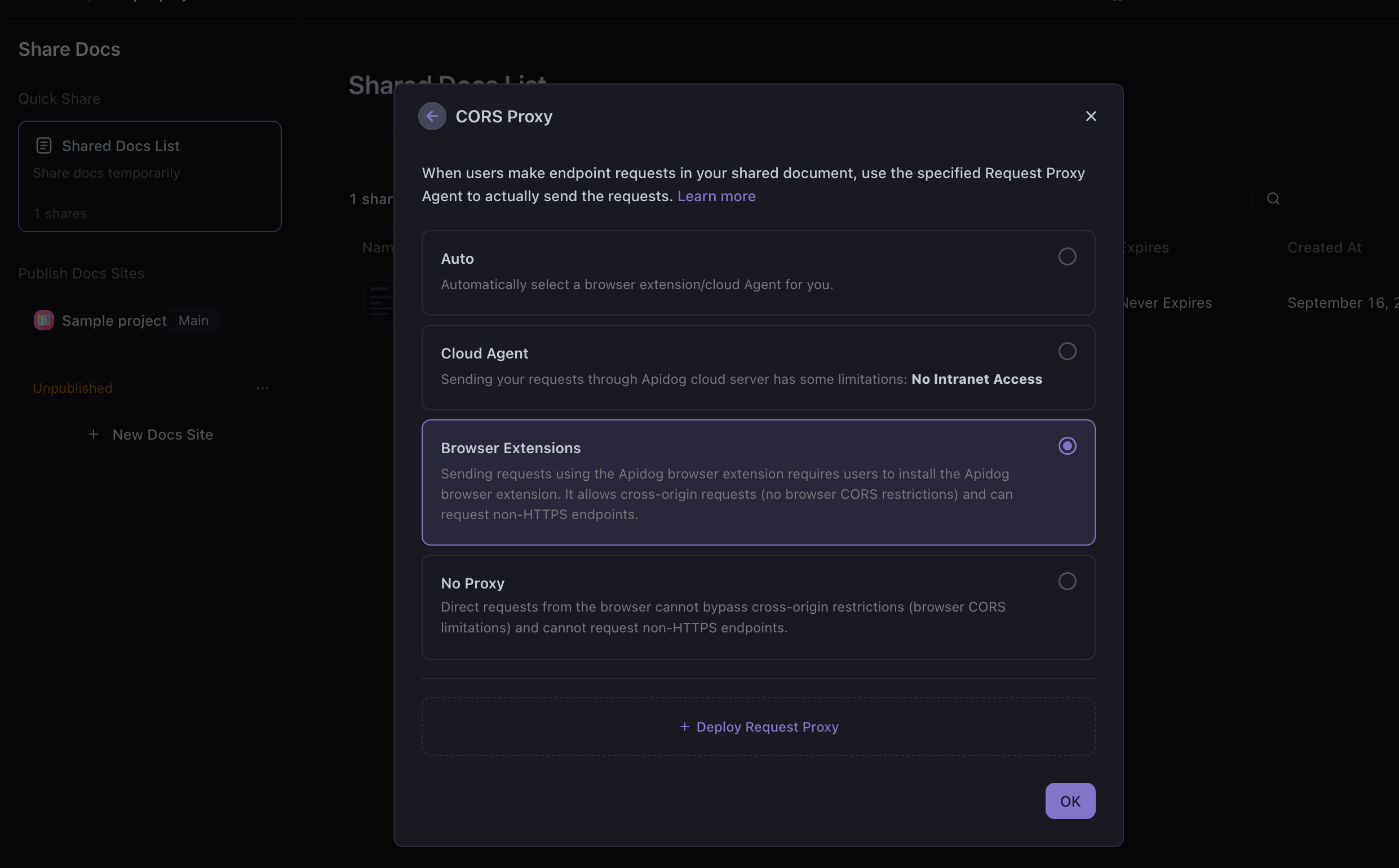
Currently, requests sent by the Apidog documentation site through Cloud Agent cannot automatically include cookies, which might be causing this issue. We will add support for this feature as soon as possible. For now, you can use the Browser Extensions as a CORS Proxy.
Thank you for your feedback. Currently, this feature is not yet scheduled for implementation. We will notify you once there are any updates on this matter.
 Could you please provide more details about your workflow? Specifically: