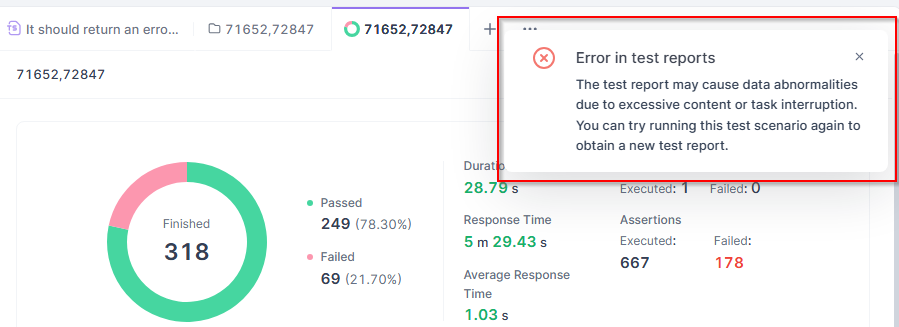
I am getting an “Error in test reports” error dialog when I try to click on an individual item in a Batch Run test. (See the attached screenshot.)
The text of the error is “The test report may cause data abnormalities due to excessive content or task interruption. You can try running this scenario again to obtain a new test report.”
The test(s) in this folder are fairly old, so I don’t believe that we’ve added either “excessive content” or “task interruption”, although admittedly I don’t know exactly what that means.
I have restarted Apidog and that may prevent this error temporarily, but it seems to come back.
Thank you for your feedback. I need to collect some information to investigate this issue:
- Are you using the Apidog app? If so, what version are you currently running?
- Did you encounter any local memory shortage issues during runtime?
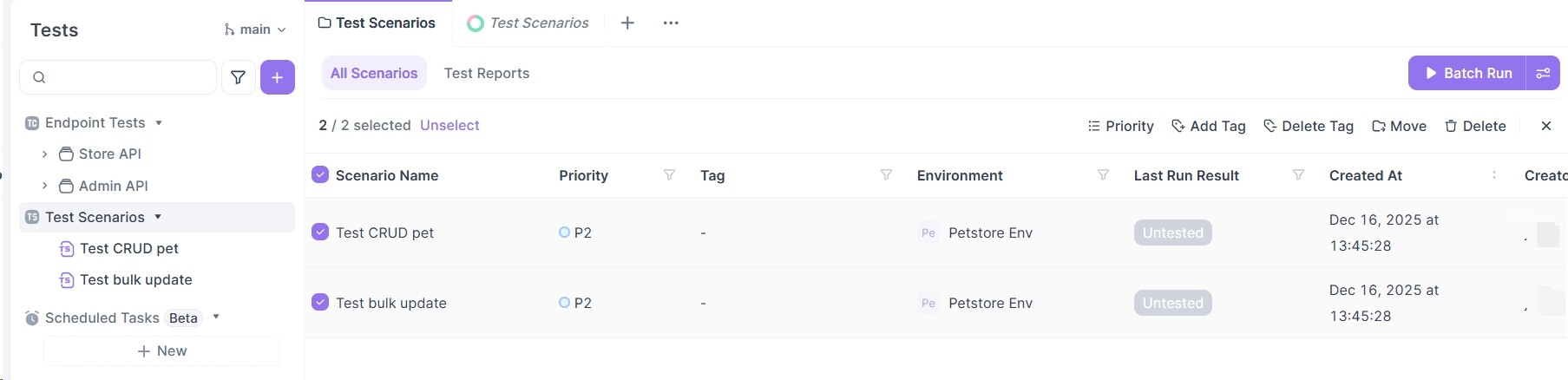
- Please confirm if you’re accessing through this entry point (see attached image)
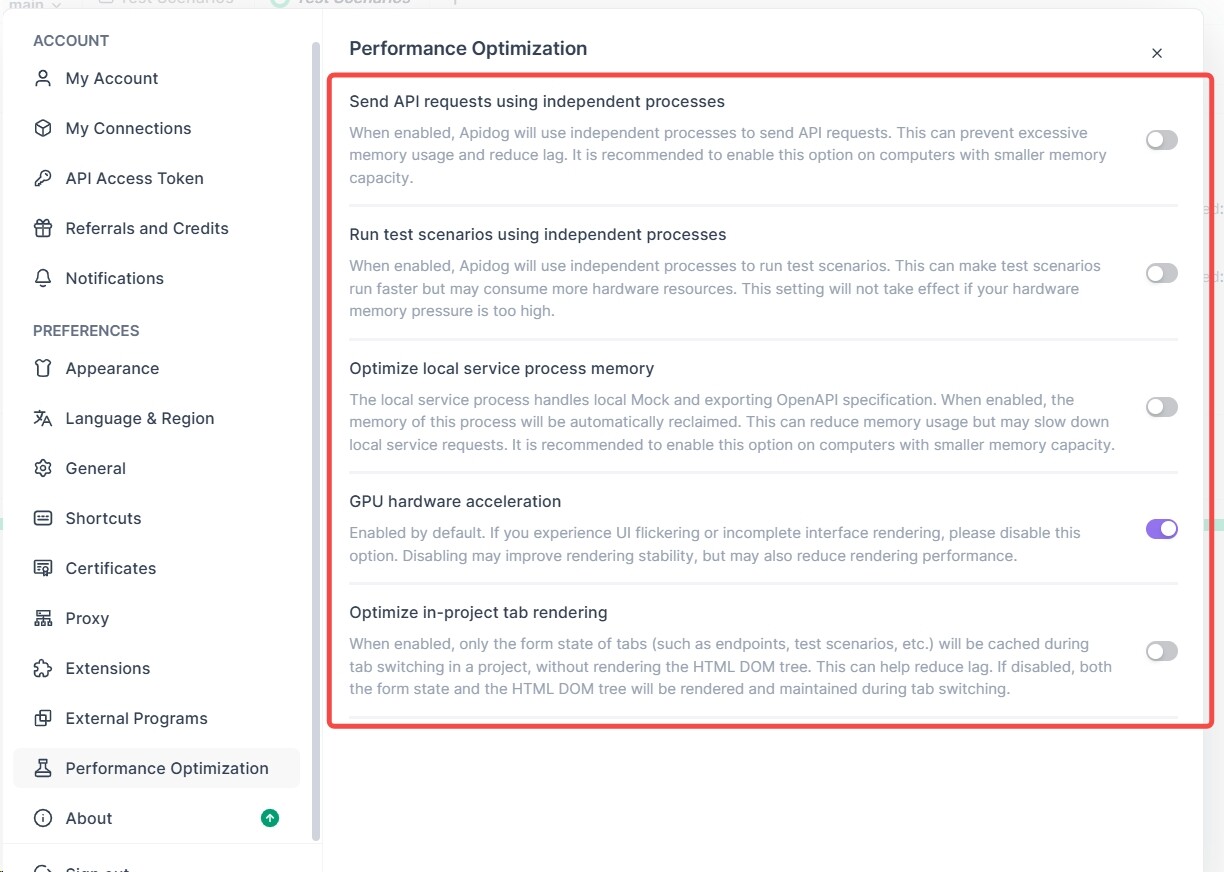
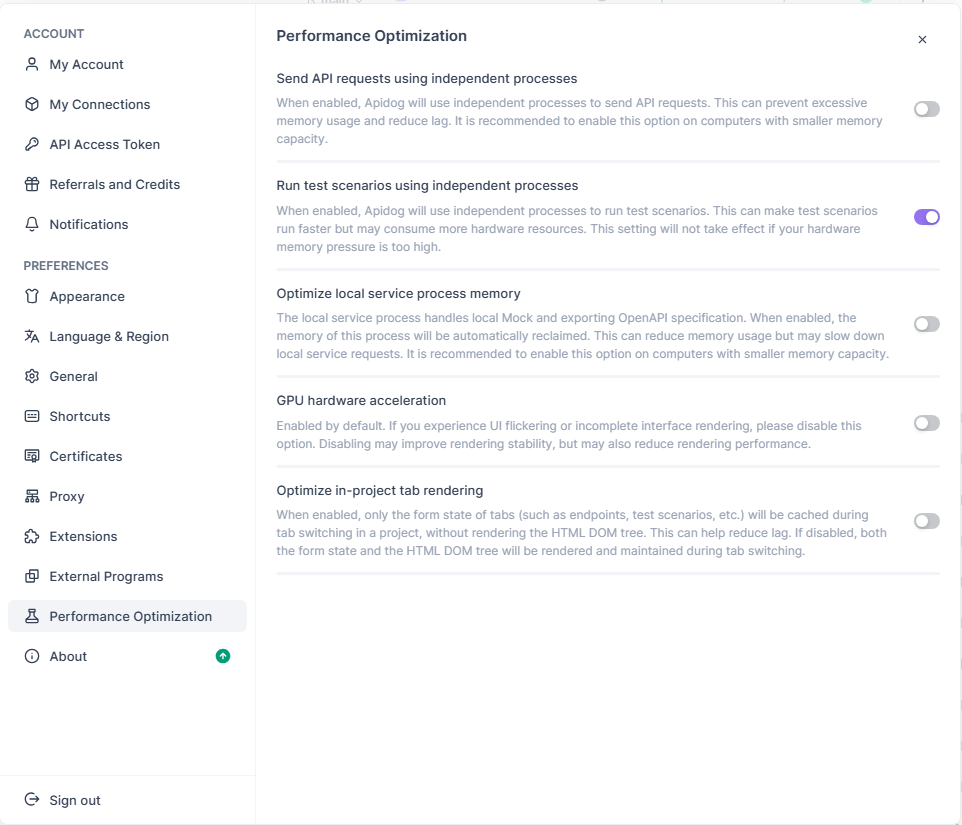
- I need to check your configuration settings in this section
Could you please provide these details so we can better assist you?
For 3, I am not quite sure what you mean. I am using the Tests icon, Test Scenarios dropdown list of tests.
I should mention also that I ran the test this morning and everything was fine. I just ran it now–after closing and restarting Apidog–and encountered the error again.
Thanks for your feedback. To help us investigate this issue further, please follow these steps:
- Open the developer console before accessing the test report
- Windows: Press
Alt+7+8
- Mac: Press
Option+Cmd+I
- Check for any errors in the Console and Network tabs
- If possible, copy the shareable link of the problematic test report
- Share the log files with us for analysis
- Windows log path:
C:\Users\Administrator\AppData\Roaming\apidog\logs
- Mac log path:
~/Library/Application Support/apidog/logs
Also, please check if the issue keeps recurring.
This information will help us identify the root cause of the error you’re encountering.
So, I left Apidog up and just ran the test periodically. After 3 or 4 successful runs over a period of 5+ hours I finally got a failure. Here’s screenshot of the error:
Here’s the URL: https://api.apidog.com/api/v1/projects/1155445/api-test-report-details/c41d3c02-1c43-4326-89f0-cfe932391455/c41d3c02-1c43-4326-89f0-cfe932391455?locale=en-US
I have attached a screenshot and a compressed logfile. (For the logfiles I only included the log file that was modified today as the others haven’t been touched in 8+ days.)

The error code 403011 “No project read-only privilege” indicates your account doesn’t have sufficient access permissions for project 1155445. To view/adjust project permissions, please refer to our documentation: Member Roles & Permission Settings - Apidog Docs and Why am I seeing a 'No Permission' error despite having admin access? - Apidog Docs
Well, I understand that the error references a permissions problem–but that does not explain why I can run the tests and see the results sometimes.
If it’s a permissions issue it should fail every time, right? What I am seeing is that sometimes everything works just fine and I can access test results after a run–and sometimes I can’t. (Moreover, I likely created the folders and all the tests in them.)
(As a postscript I just ran the tests successfully. I’ll leave Apidog running and check again in a few hours.)
If you encounter the error, try clicking “Refresh Project” to check if any permission-related errors appear. This can help determine if the issue is intermittent permissions access.
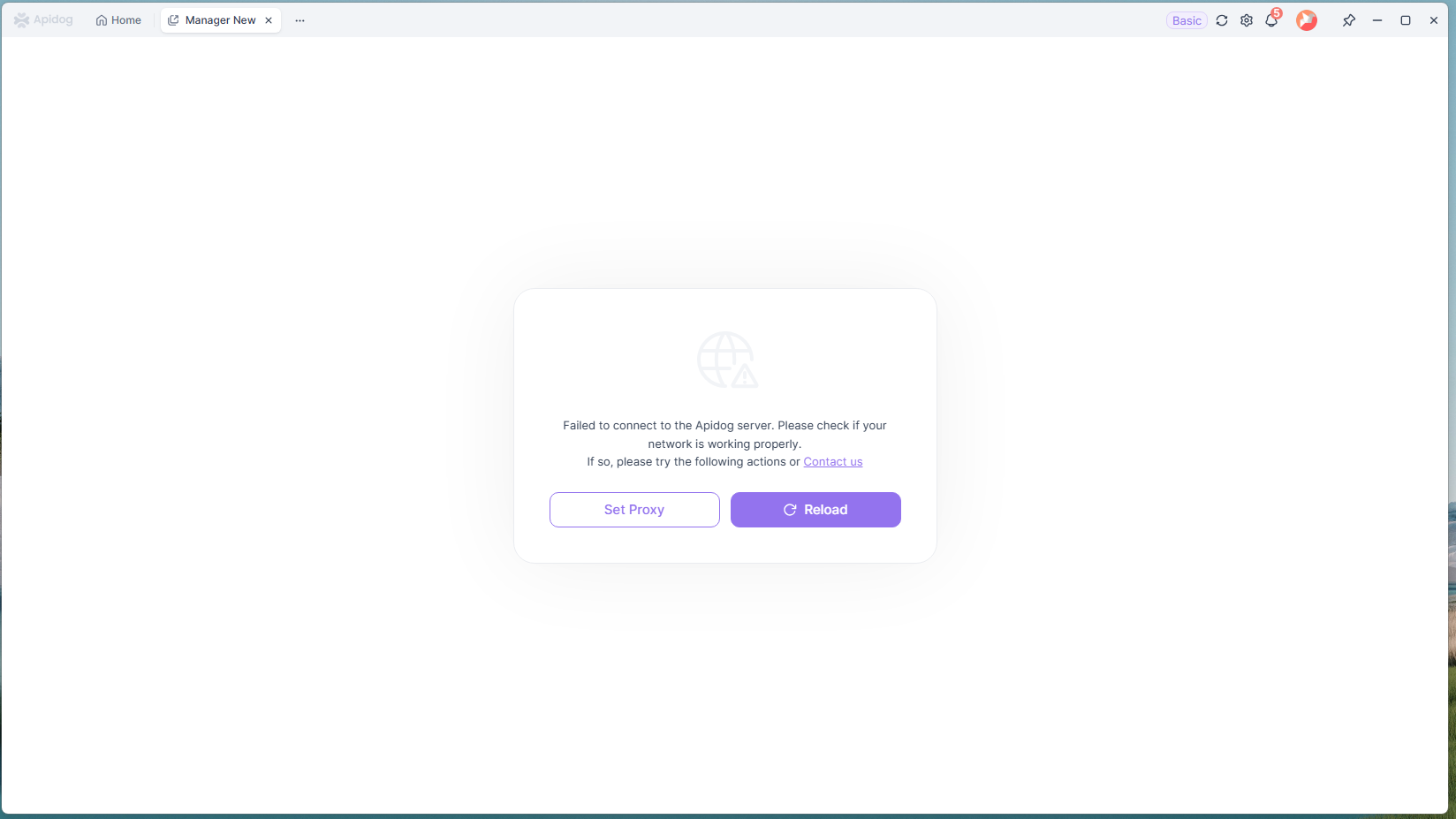
That was a fruitful suggestion. I received this error:
For the “Error in test reports” issue you’re encountering, here are some troubleshooting steps:
-
Check your Apidog proxy settings as incorrect configurations may interfere with server connections. Refer to our documentation: Network proxy configuration - Apidog Docs
-
Verify if you can access apidog.com through your browser. If not, there might be server issues or DNS resolution problems with your network.
-
Try switching networks (e.g., use mobile hotspot) to rule out current network environment issues.
-
Check console error messages in the Network tab to identify the root cause. Corporate networks may sometimes block Apidog connections.
Additionally, have you noticed any patterns when this failure occurs? For example:
- Does it happen with test scenarios of specific duration?
- Are there any consistent steps that trigger the failure when viewing reports?
- Is there a particular time of day when the error appears more frequently?