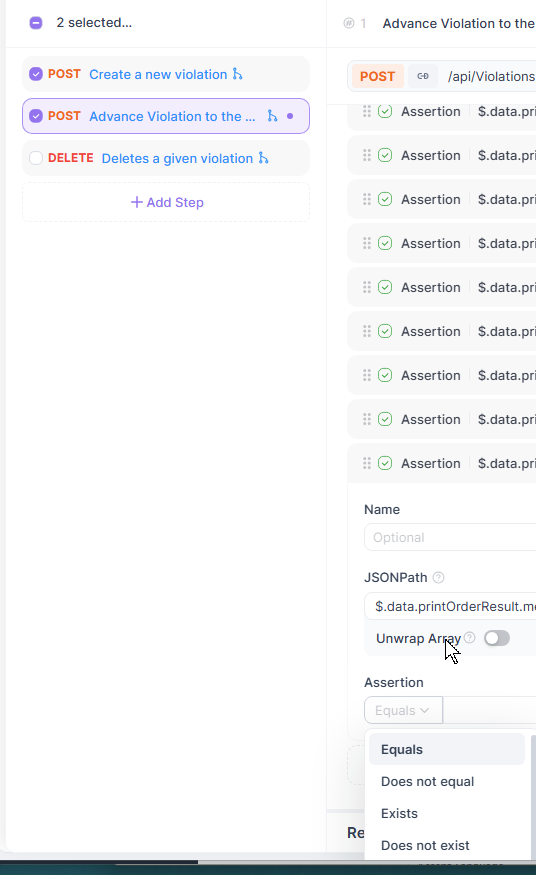
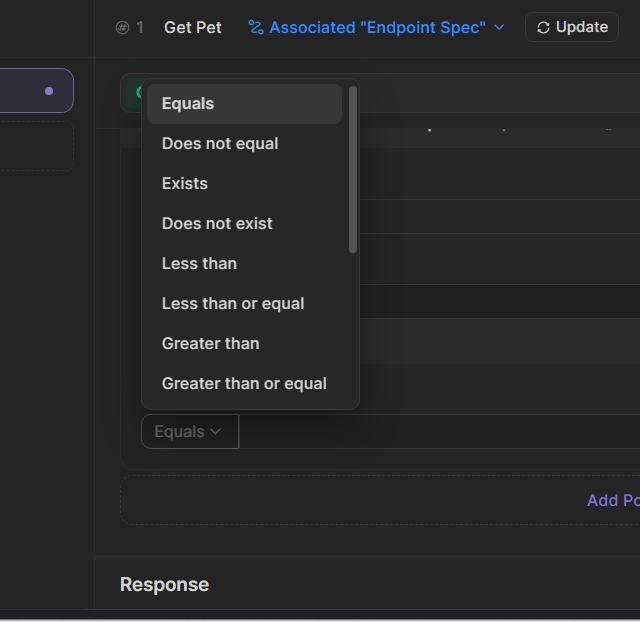
If multiple assertions have been created for a particular Test (using the Tests menu selection), the Assertion dropdown (Equals, Does Not Equal, etc.) descends below the visible area of the screen, as shown in the screenshot.
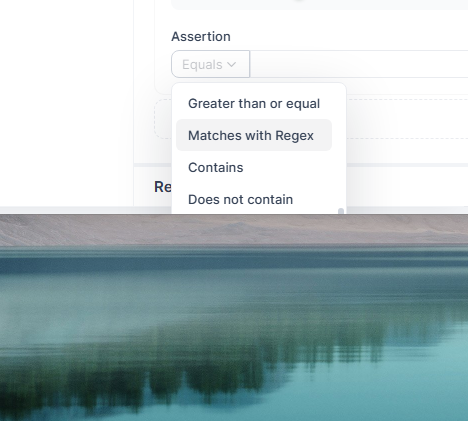
I have the Apidog window set so that it’s occupying most of the available top/bottom physical space provided by my monitor. If I change the size of the Apidog window to make it smaller (in the top/bottom dimension) you can see that the dropdown doesn’t extend far enough to see all dropdown values (such as “Is Empty”); see the second screenshot.
There’s an easy–if slightly annoying–workaround: drag the Assertion up far enough so that the dropdown can display in its entirety, and because of that I don’t think this is an overly severe issue.
My suggestion would be to allow users to scroll the assertions up far enough that it’s possible to add an assertion at the top or middle of the application, no matter how many assertions have been entered, as I personally don’t like staring at the bottom of the application window when I am adding 7+ assertions. That is, I don’t mind having a blank area at the bottom 1/3 or 1/2 of the screen if I choose to scroll the window so that I can keep what I’m working on in the center of the application window.