Hi, I am importing a schema but when I try to save the software says “The length of a parameter field exceeds the limit.”
desc_alt_casp.001.001.06.json (283.3 KB)
Hello, this error usually occurs when a parameter field in your schema exceeds Apidog’s default length limit (commonly seen in long text fields like description or comment). Please check these fields, shorten the content, and try importing again.
Thanks, but I do not want to shorten the content. Can I override Apidog’s default length limit ?
Hello, could you provide these details to help us investigate:
- Are you using the client? If so, what’s the version number?
- Can this schema be saved normally on the web version?
- Open the console (Win: Alt+7+8; Mac: Option+Cmd+I), trigger the error again, and share screenshots of the Console/Network panels.
- If there’s a failed API request, please privately send its curl(bash) format.
Hi
Importing a json schema (Schemas - clic on three dots > Importing JSON Schema file > Drag drop JSON schema file > “Import Succesful. Partial API or data import failed”)
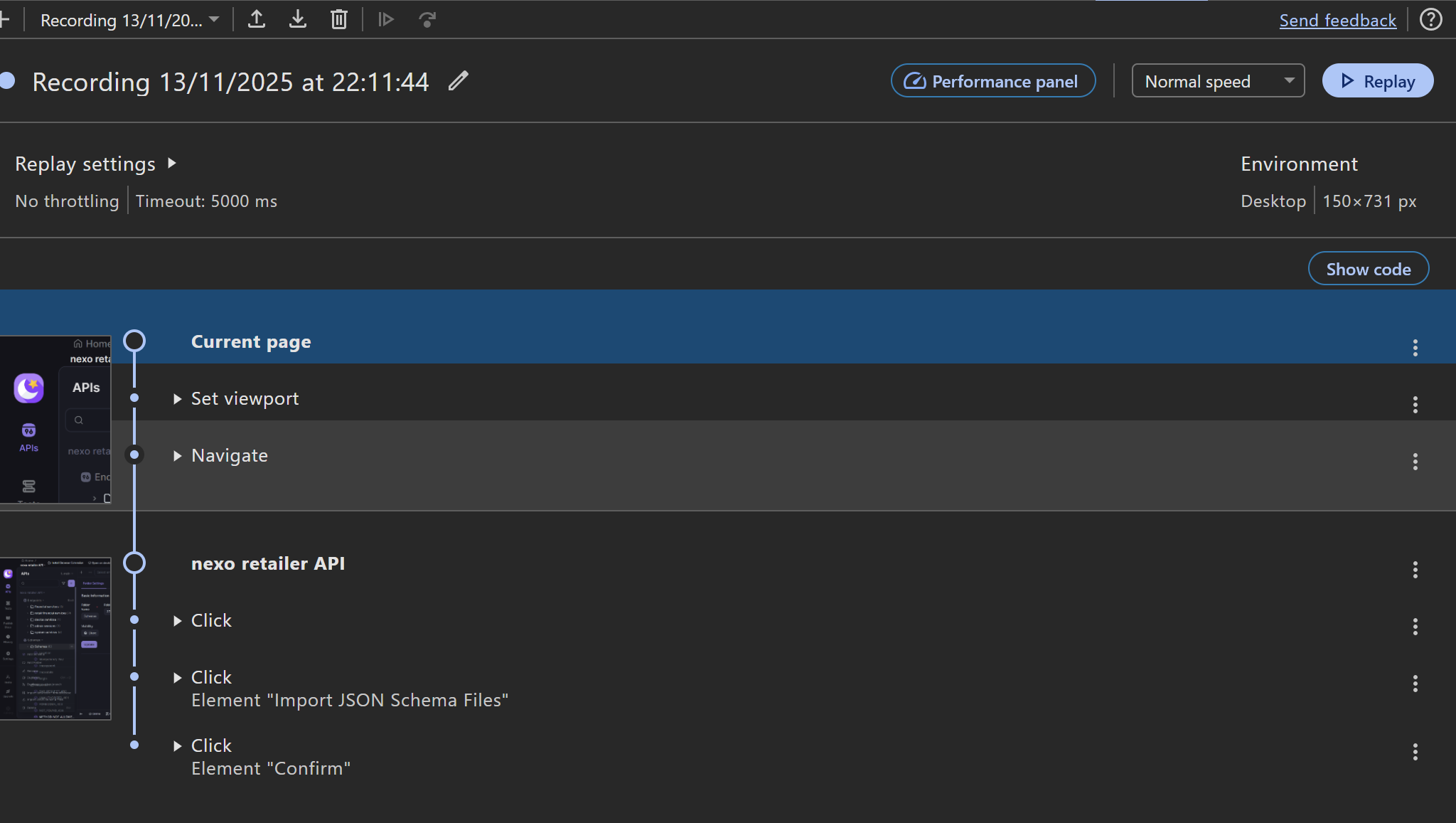
- Client Apidog 2.7.48
- No
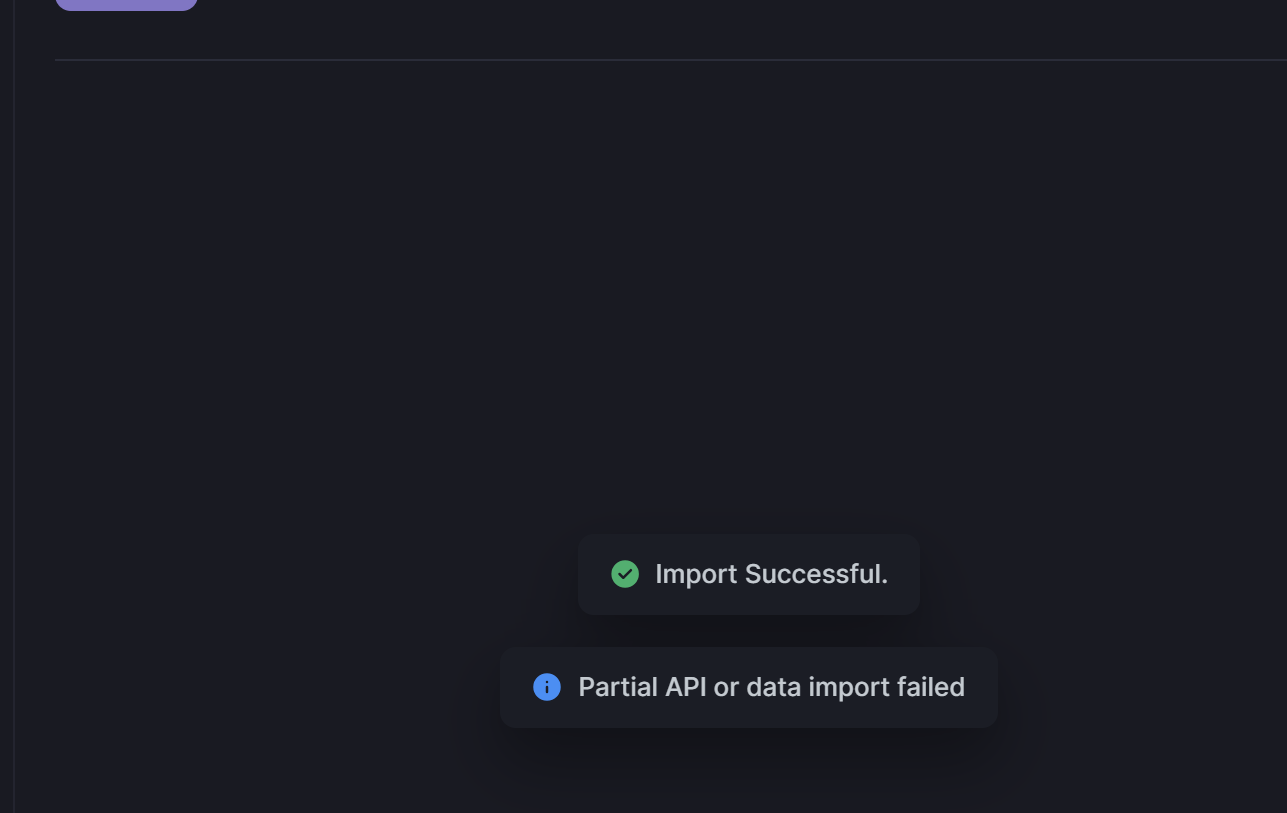
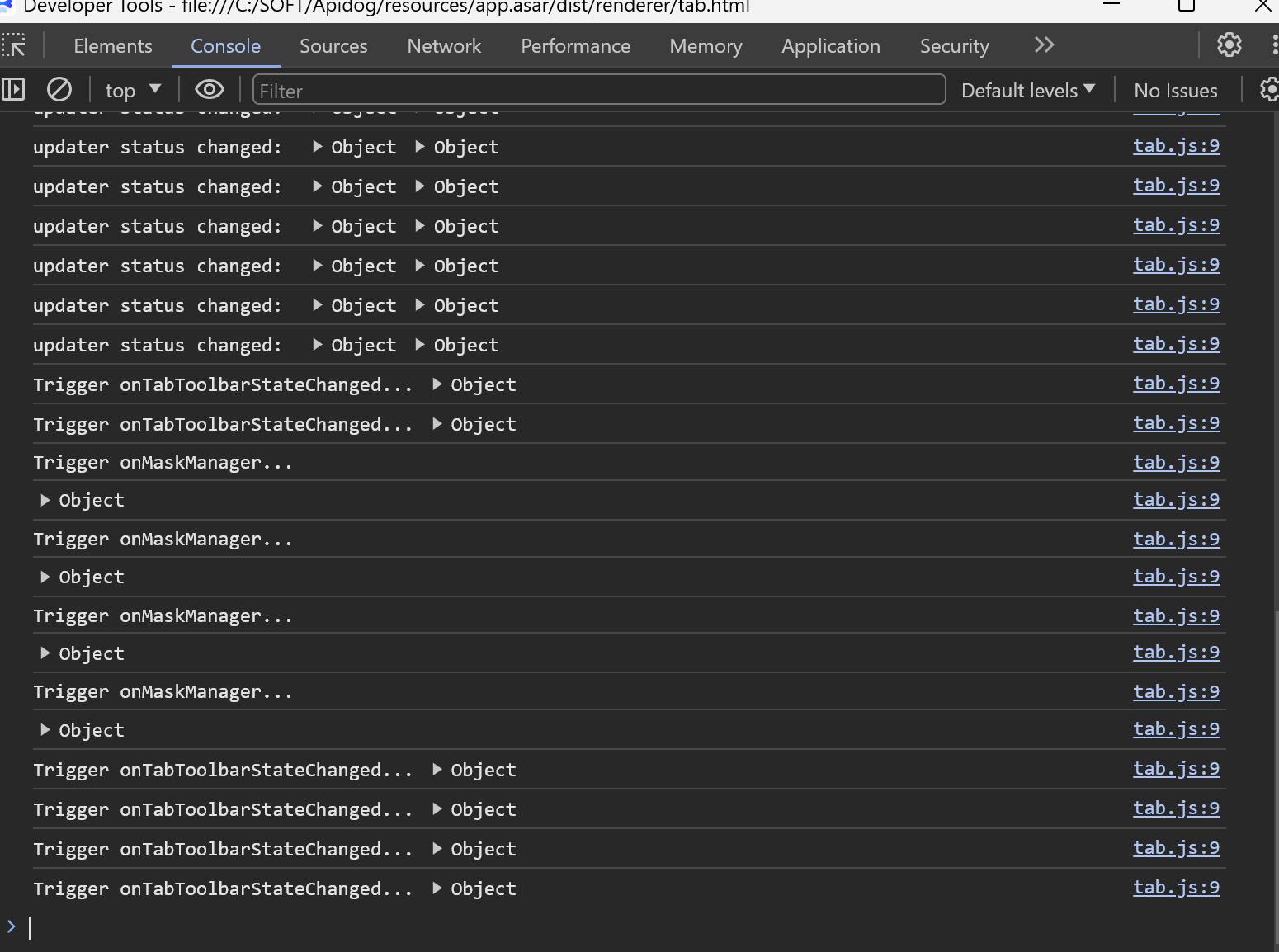
4. N/A
screenshot with web version
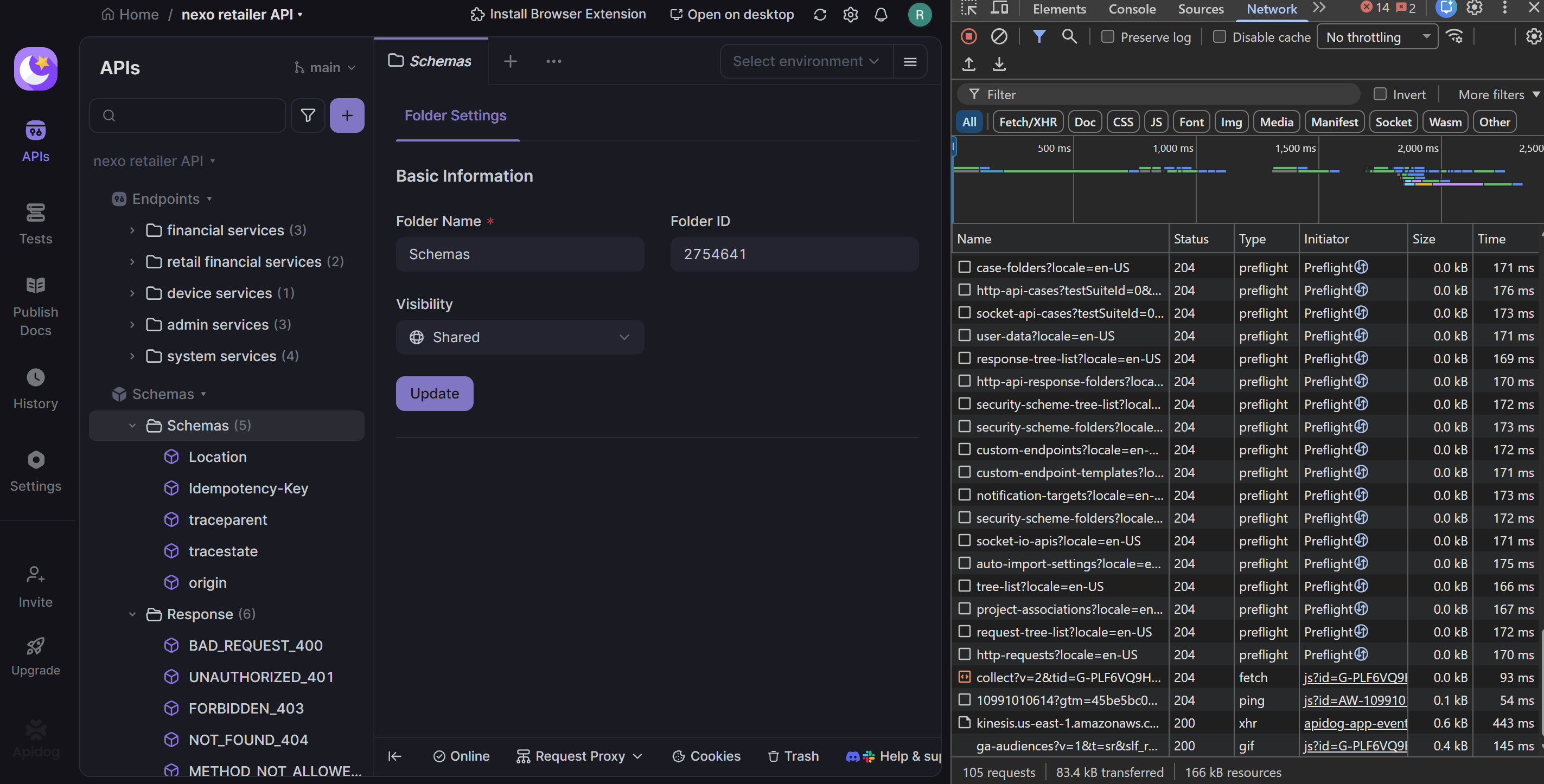
My json schema file attached
desc_alt_casp.001.001.06.json (283.3 KB)
Thanks
Hello, currently there’s no way to bypass Apidog’s default length limit. Regarding your attempt to import a complete JSON Schema with self-referential relationships, this feature isn’t supported yet. I’ll submit your requirement to our product team for evaluation and will update you once there’s progress.