We’ve identified the cause of the 404 error on the documentation site: when an endpoint with a custom slug was deleted, the slug information wasn’t fully cleared. This caused access issues even after creating a new endpoint with the same slug.
Temporary fix: Permanently delete the endpoint from your Recycle Bin to resolve the 404 error. We’ll optimize this behavior in future updates.
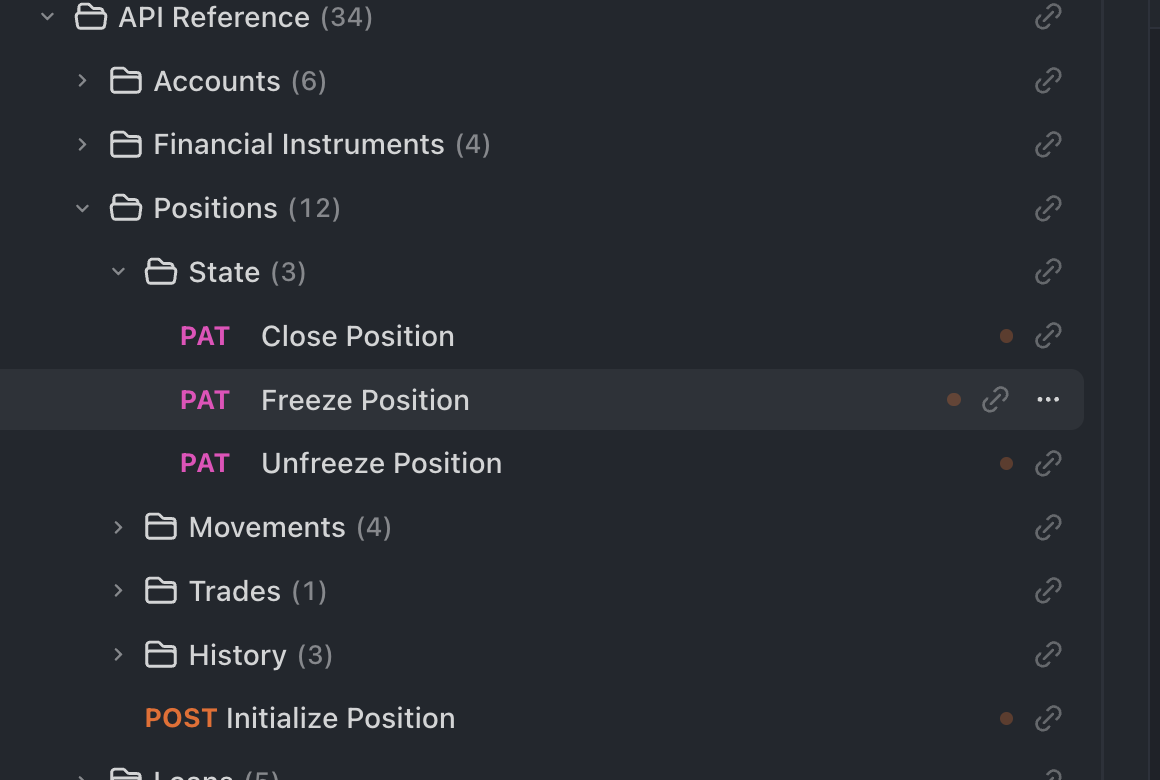
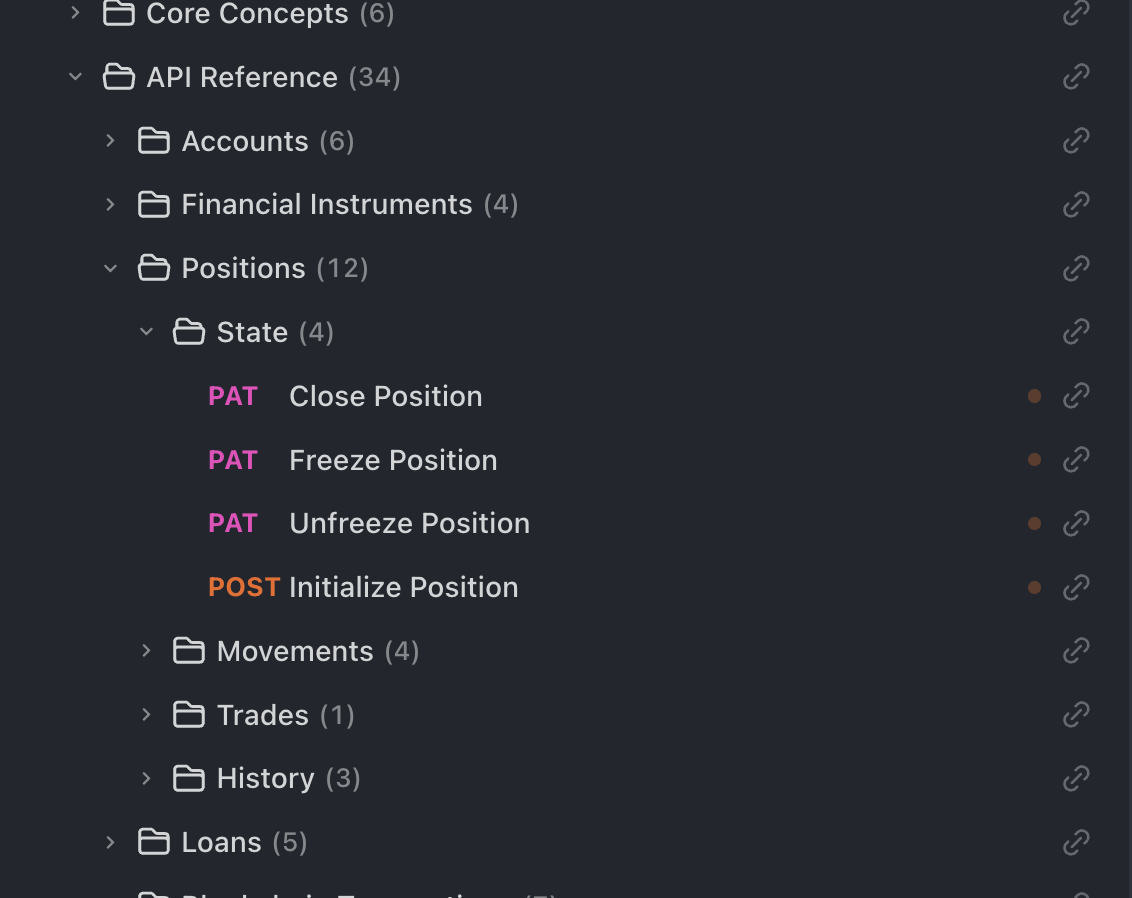
And we had to again to a work around for the endpoint that was not being exported: We had to move it one folder up in the folder hierarchy to get the export completed.
But this is not how we want this to stay.
So please let us know when we can meet to demo to you / replicate the problem.
And we had to again do a workaround for the endpoint that was not being exported: We had to move it one folder up in the folder hierarchy to get the export completed.
But this is not how we want this to stay.
So please let us know when we can meet to demo to you / replicate the problem.
Could this still be due to duplicate operationId issues? You can schedule a meeting at this link to choose a convenient time: zcal – Free Online Meeting Scheduling
Regarding the issue where endpoints only appear after being moved, this likely occurs because your project contains duplicate interfaces (same path and method). According to OpenAPI specifications, only one interface will be exported when duplicates exist. If an endpoint isn’t being exported, check if another endpoint with identical path and method (but different operationId) is being exported instead.
Thank you much for the answer and I apologize for the late response. Yes, this was the cause of the problem.
We would like to also mention that Tanjim was extremely helpful in the help and advice on other matters he provided to us on the call. Many thanks to him as well.
Tanjim would you mind if we setup a follow-up call early next week?
We’d like to take you up on the offer of learning about best API design/setup practices. And we have a specific need at hand where we need to setup a set of API Cookbooks for external consumption. We want to understand what are some of the best ways to go about that.
You can schedule a demo session with our team using this link: [zcal – Free Online Meeting Scheduling]. During the demo, we’ll share Apidog best practices and help set up a trial POC environment to better showcase enterprise-level features.
Hi Sandu , Thank you so much for the kind words, I really appreciate it! It was great connecting with your team and I’m glad I could help.
I’d be happy to arrange an online meeting or demo to discuss the best API design/setup practices and help with your API Cookbook setup for external consumption. Feel free to schedule a session at your convenience using this link: zcal – Free Online Meeting Scheduling
Thank you Tanjim - I’ve sent an invite for next Tuesday at 9AM Pacific Time - where most of our team is located. I don’t know your timezone - we can adjust if needed; please send us alternatives.
It is useful to have 60 mins → we are generating automated client SDKs and we’d like to pick your brains as well on how to automate that process.