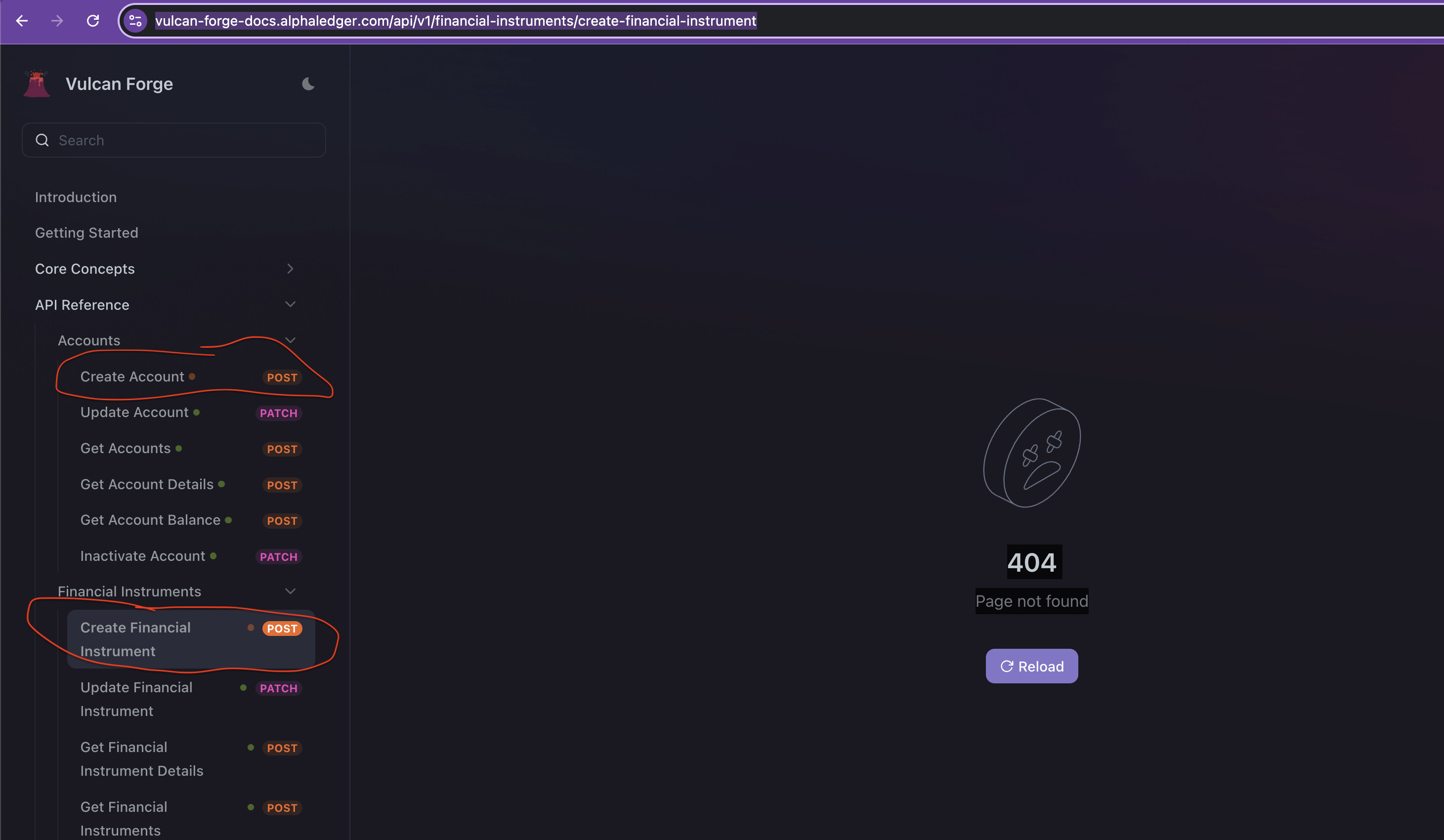
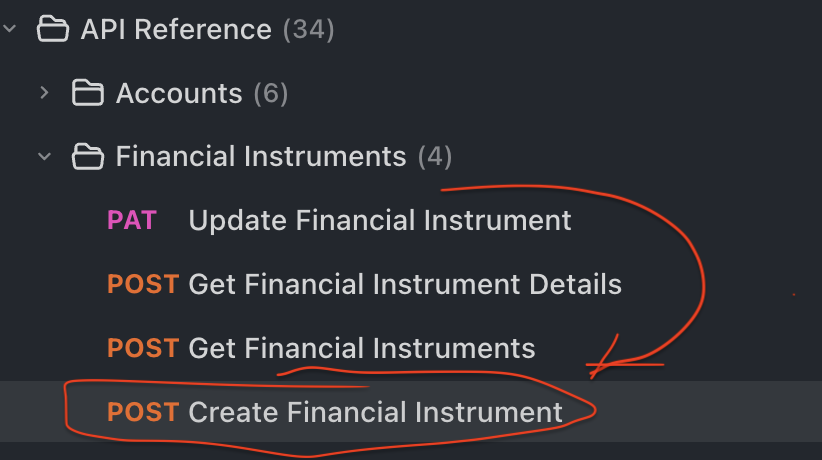
I have 2 endpoints that I have been working on today in my Endpoints section - they all show fine while I am editing them through either the web or desktop client.
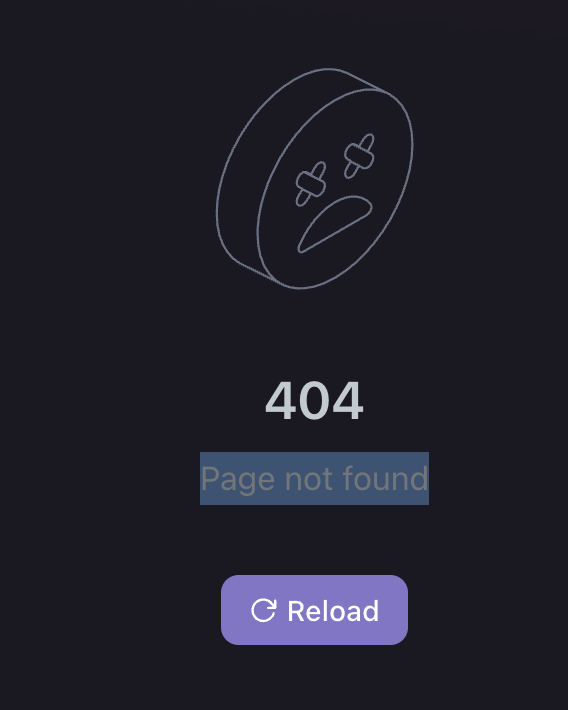
However when I try to access them through the docs website, I get this error:
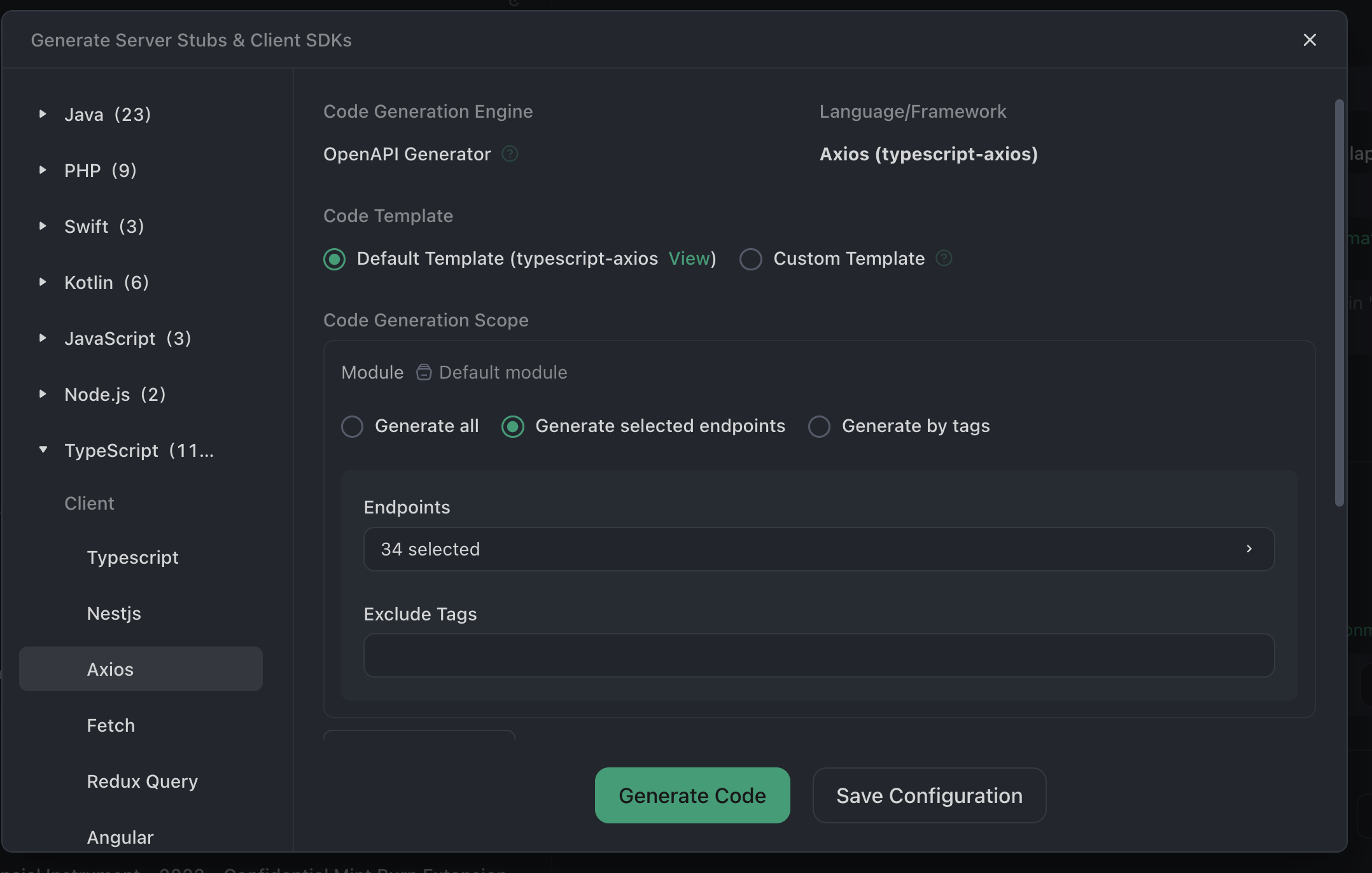
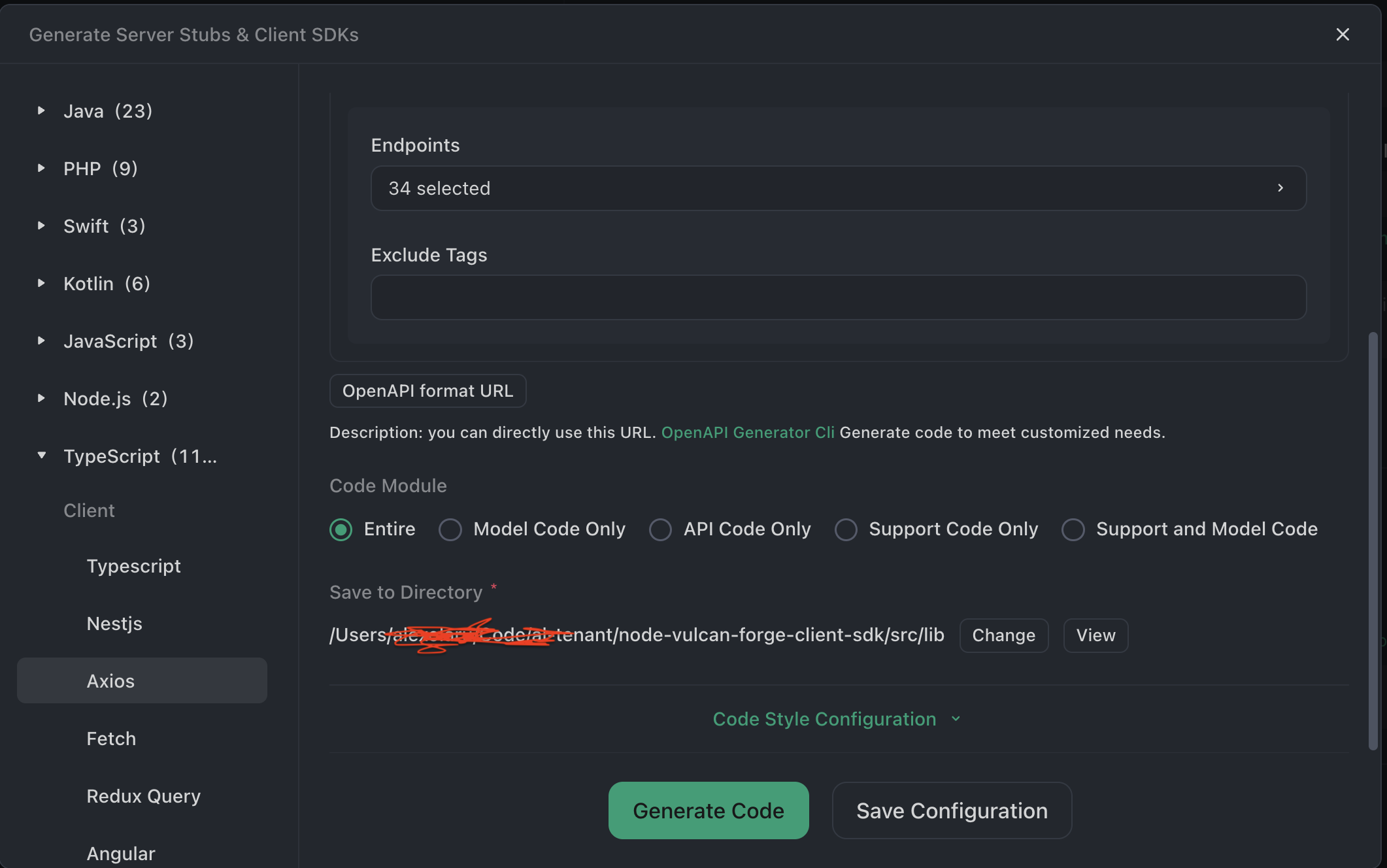
Also note that when I do the Generate Server Stubs and Client SDKs from the top of the folder that creates these endpoints, these 2 endpoints do not have code generated for them.
The rest of the endpoints on the website get displayed fine and have the code generation also working ok for them.
Can you please let me know as soon as you have a chance what is going on? These are important endpoints and our users cannot access them.
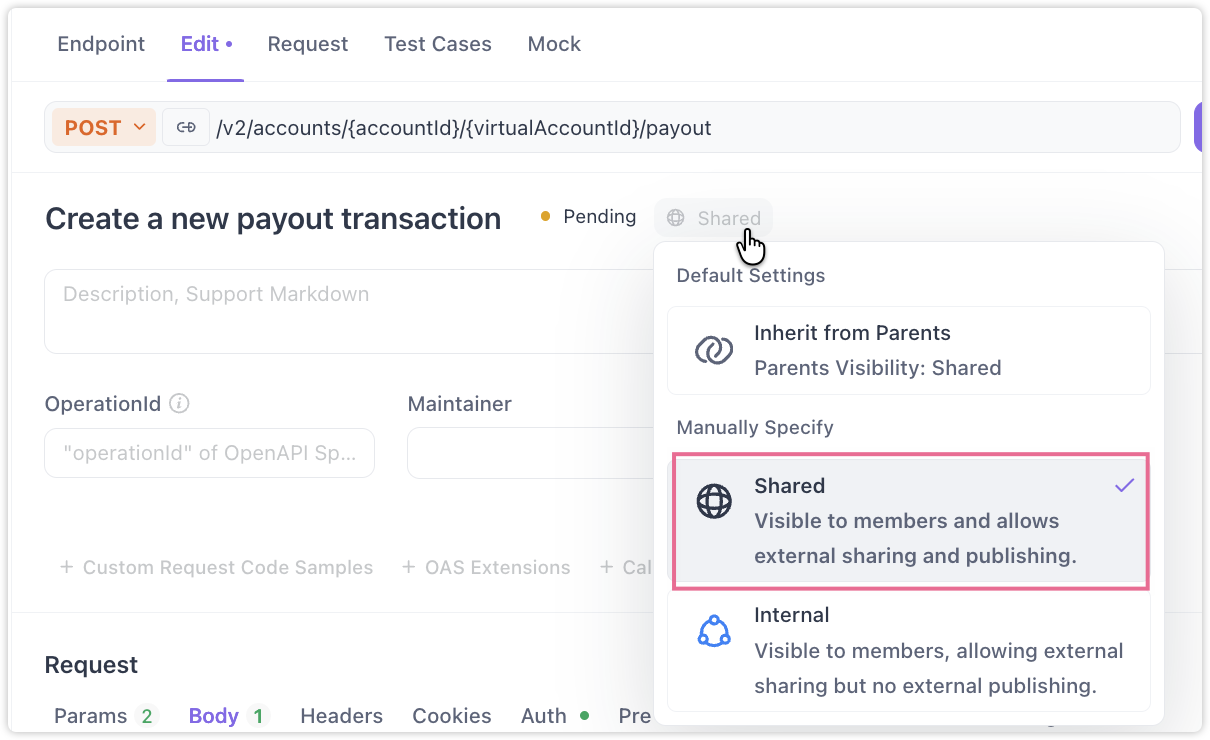
Hi Sandu, could you please share your documentation URL? Also, could you confirm if these two problematic endpoints are set as “shared”? (If they’re marked as “internal”, they won’t be accessible in the documentation.)
We’ve identified and resolved the special data case in our system, so everything should be working normally for you now. We’ll optimize our system logic to better handle similar scenarios in the future. Let us know if you encounter any other issues.
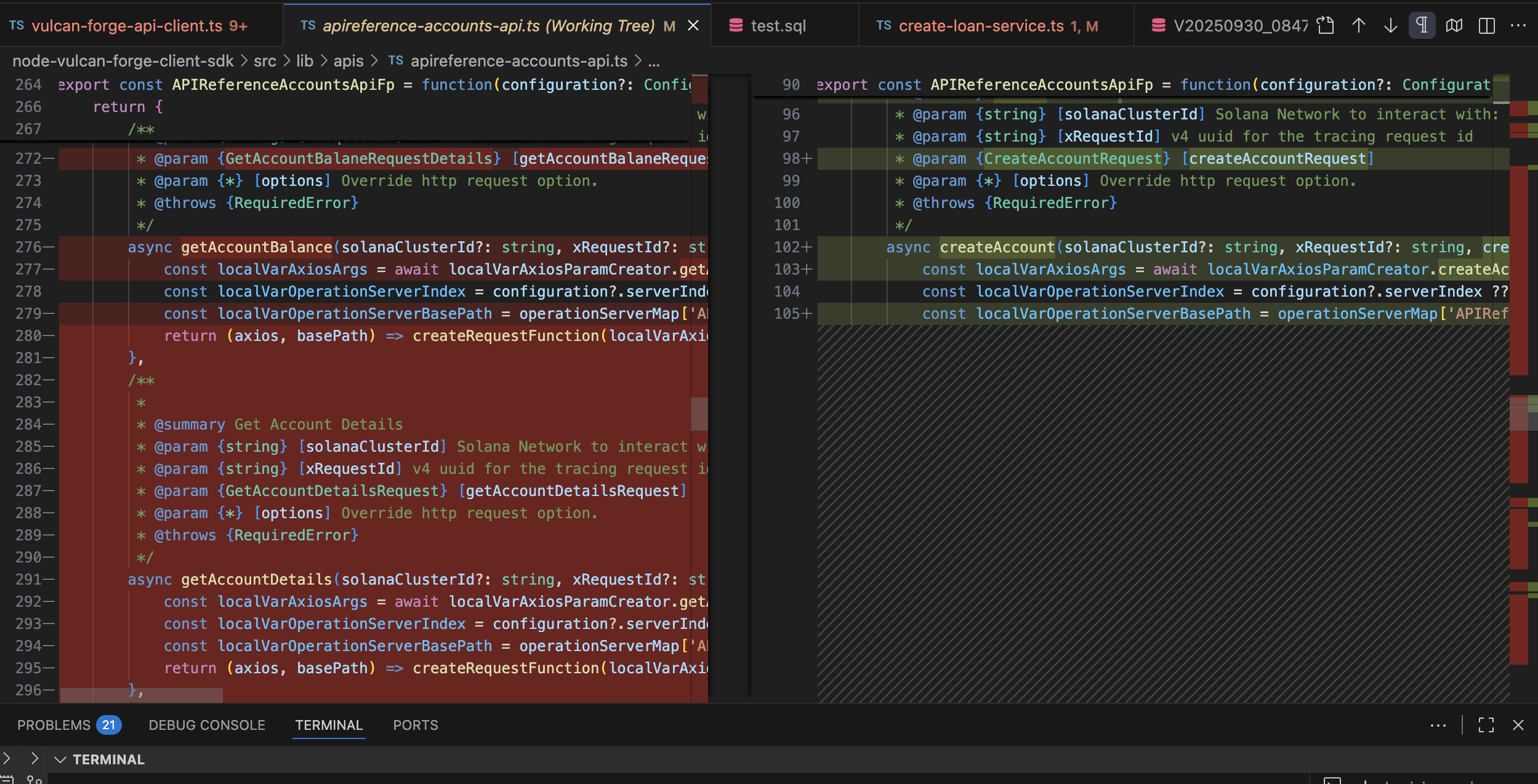
If for e.g. I select just the createAccount endpoint and do code get just for that guy, I see the new operation being created, but it deletes all the operations form the same file
We apologize, but we haven’t been able to reproduce this issue in similar test scenarios. Both individual and all endpoints generate code containing operationId without missing export content. To help us resolve this faster, could you please provide:
Your Apidog version number
The problematic endpoints exported in Apidog format (share with our staff Emily)
Thank you for your patience!
We solved the problem for createAccount with these steps:
Duplicate the Create Account endpoint.
Delete the old Create Account endpoint.
These 2 steps allowed generation of the Create Account in code gen with any of the tools we have: Rust or Typescript.
The Old Create Account was at the top in the folder it was sitting in. If we tried to put the new/duplicated Create Account also at the top of the folder in our dev branch. The codegen stopped working. If that helps you on your side.
I don’t know where to find the version number for the Desktop Client. Where is it?
I will try soon the same steps with Create Financial Instruments and keep you posted.